|

Keychain Synch software enables seamless data capture
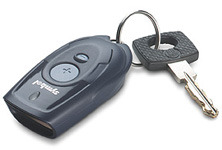
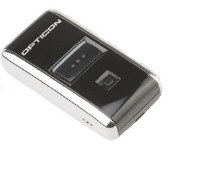
and download from the Opticon OPN2001 or Symbol CS1504
Keychain Scanner right to a PC. An easy-to-use, intuitive
application, Keychain Synch decodes and outputs barcoded
data to a Comma Separated Value (CSV) and Access Database
format
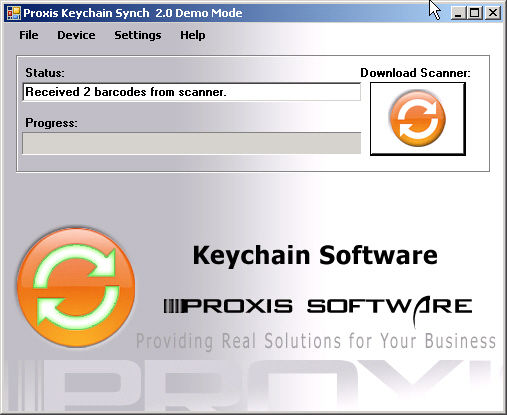
Simply install the Keychain Synch software, scan
barcodes with the keychain scanner, and synchronize
data to the PC. Keychain Synch saves the decoded data
and date-time stamp in a comma delimited (CSV) text
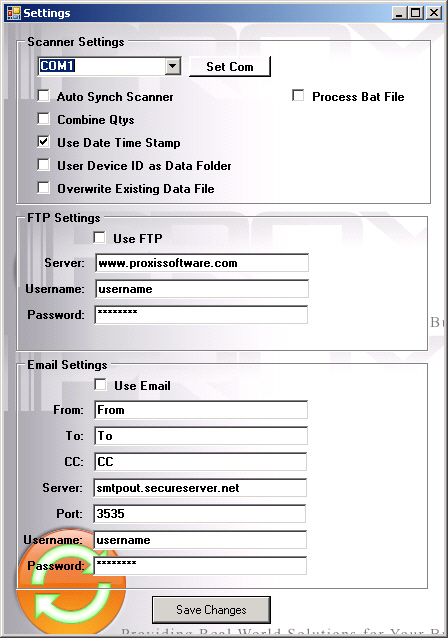
file in the application folder. Keychain Synch will also send the file to a webserver or email. The file is ready
for import into any application compatible with CSV
format.
New in version 2:
- FTP Synch - send a copy of the data file to an FTP server automatically
- Email Synch - send a copy of the data to an Email recipient after the download
- Device Folders - Use a different Download Folder for each of your devices (ie one device for shipping and one for receiving)
- External Commands - run external processes after a successful synch
- Combine Quantities - combine scans to form a quantity field
- Encrypted Server Settings
- Unique filnames for odering applications
Download the demo! It's fully functional but inserts the word DEMO into the scanned barcodes.
Custom Programming, Unlimited Licensing and Re-Branding is available. Please call!
|